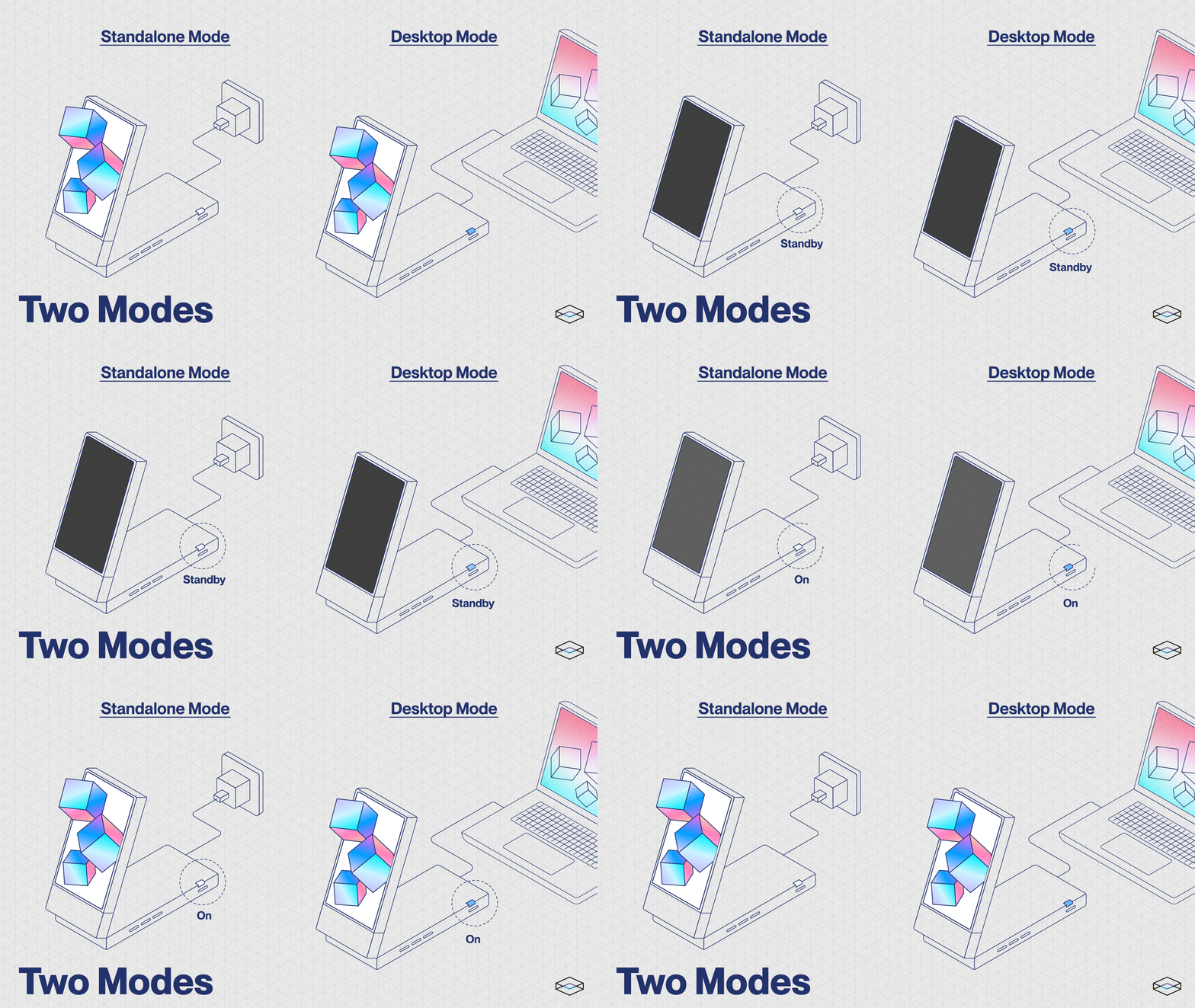
# Power and LED States

## Power States

<figure><img src="https://content.gitbook.com/content/PuCaeVAli72TiclYlEG5/blobs/G4lENqSCznQZjrKC9On8/1_power-on-off.gif" alt=""><figcaption></figcaption></figure>

{% tabs %}
{% tab title="Powering On 🟢 " %}
There are two ways to power on your Looking Glass Go:&#x20;

1. Connect one end of the cable to the USB-C port on the back of the display, and one end of the cable to a power outlet using the included power adapter. \
   This will activate **Standalone Mode (Solid White)**.&#x20;
2. Alternatively, connect one end of the cable to the USB-C port on the back of the display, and one end of the cable to a computer. \
   When connected to a computer, your Go will effectively have **two** modes to operate on: \
   **Standalone Mode (Solid White)** or **Desktop Mode (Solid Blue)**.&#x20;

Press the power button once to turn your Looking Glass Go on.
{% endtab %}

{% tab title="Powering Off 🔴 " %}
To power off your Looking Glass Go, hold down the power button until the light indicator is breathing white/blue.&#x20;
{% endtab %}
{% endtabs %}

### Status LED Key

The Looking Glass Go has a status LED on the side of the device near the power button.&#x20;

The status LED is helpful to determine what state the Looking Glass is in.

<table><thead><tr><th width="214">Color</th><th>Status </th></tr></thead><tbody><tr><td>⚪️ Solid White</td><td>Powered on and in Standalone Mode.</td></tr><tr><td>⚪️ Breathing White</td><td>On standby, ready to be used in Standalone Mode.</td></tr><tr><td>⚪️ Blinking White</td><td>Switching to Standalone Mode.</td></tr><tr><td>🔵 Solid Blue</td><td>Looking Glass Go is running in Desktop Mode.</td></tr><tr><td>🔵 Blinking Blue</td><td>Switching to Desktop Mode.</td></tr><tr><td>🔵 Breathing Blue</td><td>On standby, ready to be used in Desktop Mode / DP Alt Mode available.</td></tr><tr><td>🔵 Breathing Blue (while connected to phone)</td><td>On standby, ready to be used with compatible phone.</td></tr><tr><td><span data-gb-custom-inline data-tag="emoji" data-code="1f7e3">🟣</span> Breathing Purple</td><td>Updating Firmware.</td></tr><tr><td><span data-gb-custom-inline data-tag="emoji" data-code="1f7e2">🟢</span>  Solid Green</td><td>Connected to WiFi in Standalone Mode. </td></tr><tr><td>🟡 Flashing Yellow</td><td>Insufficient power to switch to Standalone Mode from Desktop Mode, no DP Alt Mode available.<br>To troubleshoot, disconnect from power and reconnect cables. </td></tr><tr><td>🔴 Flashing Red</td><td>Insufficient power for Standalone Mode. </td></tr></tbody></table>
